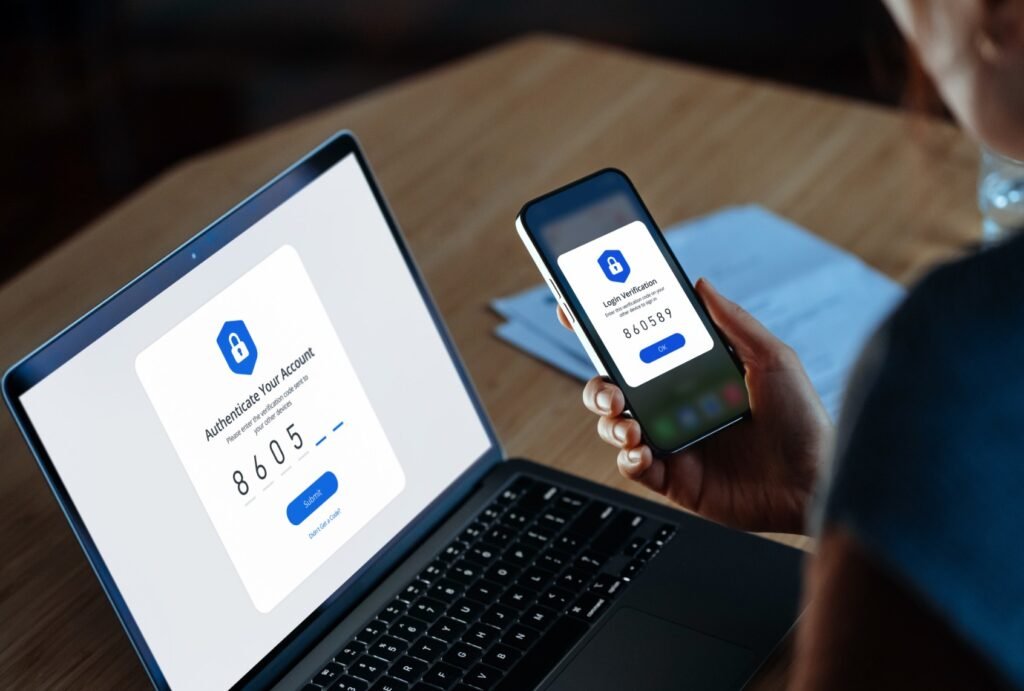
You can tell if your mobile phone is being monitored by watching for signs such as rapid battery drain, overheating, slow performance, unusual data usage, strange background noises on calls, unexpected camera/mic activation (green/orange dots on screen), or unfamiliar apps or texts.
Having said that these can also be normal issues, but if the problems remain you should check app permissions and installed apps, using security software for more thorough checks.
What To Look Out For
Battery: Battery drains much faster than usual.
Heat: The phone feels hot when idle
Performance: The phone slows down, freezes, or restarts unexpectedly.
Data Usage: Sudden spikes in mobile data usage, even with low usage.
Calls: Strange background noises (static, clicking, echoes) during calls.
Activity Indicators: Green (camera/mic) or orange (mic) dots appear at the top of your screen when you’re not using those features.
Apps & Texts: Unknown apps or apps with strange names, excessive permissions, or poor reviews.
Texts: Strange incoming texts with random characters or outgoing messages you didn’t send.
Pop-Ups: Pop-up ads or notifications appearing out of the blue.
Also see: What Makes Your Device Easier To Hack
What to Do
Check Permissions: Review app permissions in your phone’s settings (Settings > Apps > Permissions) to see what has access to your location, microphone, or camera.
Look for Suspicious Apps: Go through your app list (Settings > Apps) and uninstall anything unfamiliar or suspicious.
Monitor Data: Check your phone’s data usage details to identify apps consuming large amounts of data.
Run Security Software: Use reputable anti-malware apps for a scan.
Factory Reset: If problems persist, a factory reset can often remove malware, but back up essential data before resetting.
Summary
If your mobile phone is acting strangely and apps have just appeared that you didn’t install, be wary. Don’t continue ignoring these signs as your data could be compromised. I know it is an absolute pain but factory resetting may be your only option if the problems persist.
We have created Professional High Quality Downloadable PDF’s at great prices specifically for Small and Medium UK Businesses. Which include various helpful documents and real world scenarios your business might experience, showing what to do and how to protect your business. Find them here.