Hybrid working is convenient and flexible, but cybersecurity is more difficult to monitor. More and more English organisations are employing the use of hybrid working, but there are inherent risks including data loss and fraud. The IT department are there for you if needed, but you have to help yourself as well, some of the responsibility will fall on you.
Some people will diligently follow all the advice and implement changes straightaway, some won’t. It is more important than ever to keep yourself and your company safe when working from home. It is not just about doing updates and backing up your files/folders anymore, extra layers of security are essential.
These are solid tips to make your hybrid working much more secure, some of these tips you may have already implemented if not seriously consider using them.
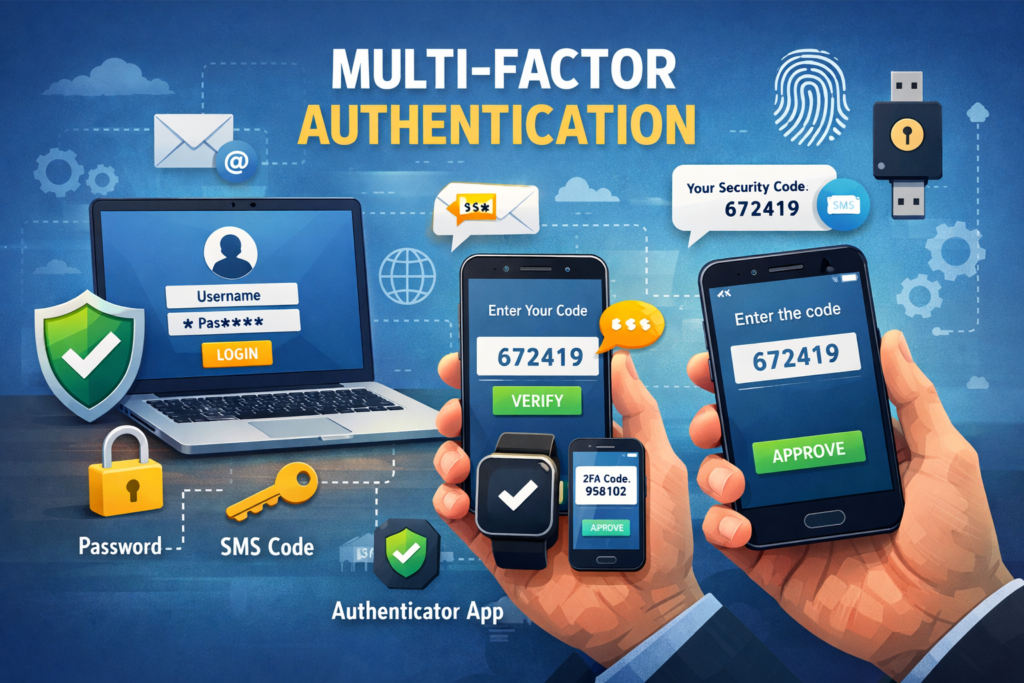
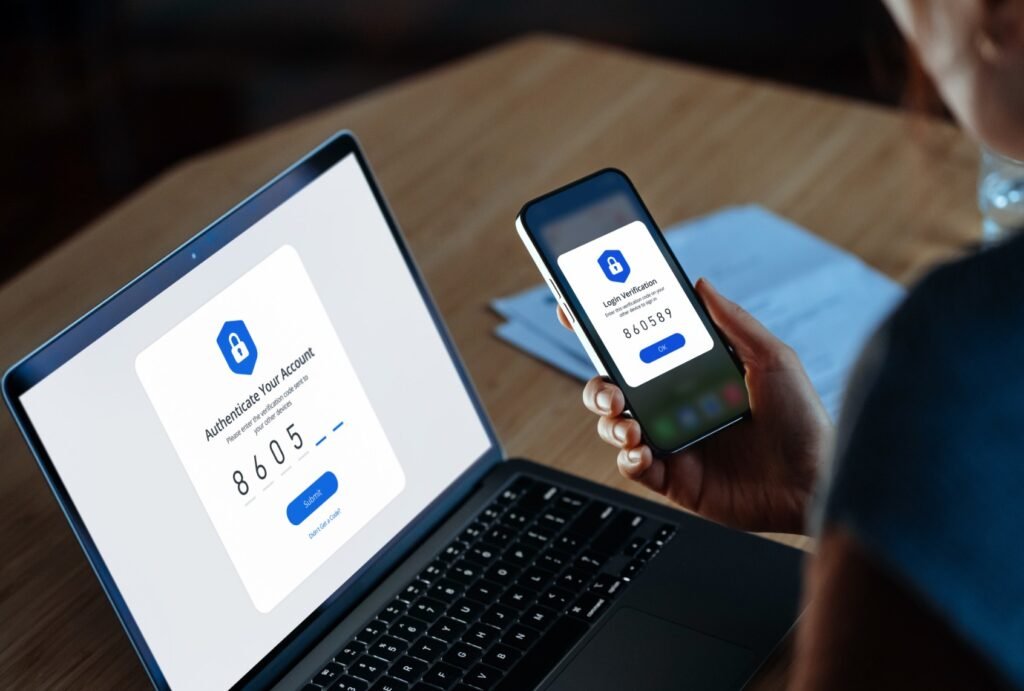
- Turn on MFA (authenticator app or hardware key).
- Multifactor Authentications is pretty standard these days for hybrid working as well as for your personal security.
- Use a password manager
- There are plenty to choose from ask your IT department for advice if they don’t already use one.
- Keep OS/apps up to date
- A very important step no matter how inconvenient this might be at times.
- Change the router’s default password
- A fundamental step for hybrid working, do this straightaway.
- Use WPA3/WPA2 security
- Offers a much safer connection than older options.
- Avoid public Wi-Fi
- There is always a risk when using it and its not worth it.
- Report suspicious emails.
- They may be legit from a new client for example but if you have any doubt report them anyway.
Also see: Are My emails Protected?
- Don’t reuse passwords.
- If you reuse passwords any you are hacked it will compromise other accounts on your devices.
- Verify payment or bank detail changes by phone
- An essential requirement for yours and your companies security.
Also see: What is Cybersecurity and How Does It Affect Your Life?
- Enable full-disk encryption (BitLocker/FileVault)
- This is an extra layer of security to keep your data safe.
- Store work in approved locations
- These will be shown to you and are secure.
- Share with least-privilege access
- Avoid oversharing your work and keep to ‘need to know’.
- Avoid personal email for company data
- Your personal email could become compromised as won’t it be under the security umbrella of your company.
- Ensure critical files are backed up regularly.
- So often this is not done regularly enough and can cause big problems, set a schedule and stick to it.

If something goes wrong
Disconnect from networks if safe, report quickly, don’t delete evidence and wait for instructions on how to proceed.
This list may seem daunting to the uninitiated, but if you go through it step-by-step it will take less time than you think. Your company will support you in implementing these changes if you are not sure what to do. The other big advantage from a personal point of view is that you are making your own home set up much safer.
For more help and advice I recommend the NCSC 10 Steps To Cyber Security.
We have created Professional High Quality Downloadable PDF’s at great prices specifically for Small and Medium UK Businesses our main website. Which include various helpful Cyber related documents and real world scenarios your business might experience, showing what to do and how to protect your business. Find them here.