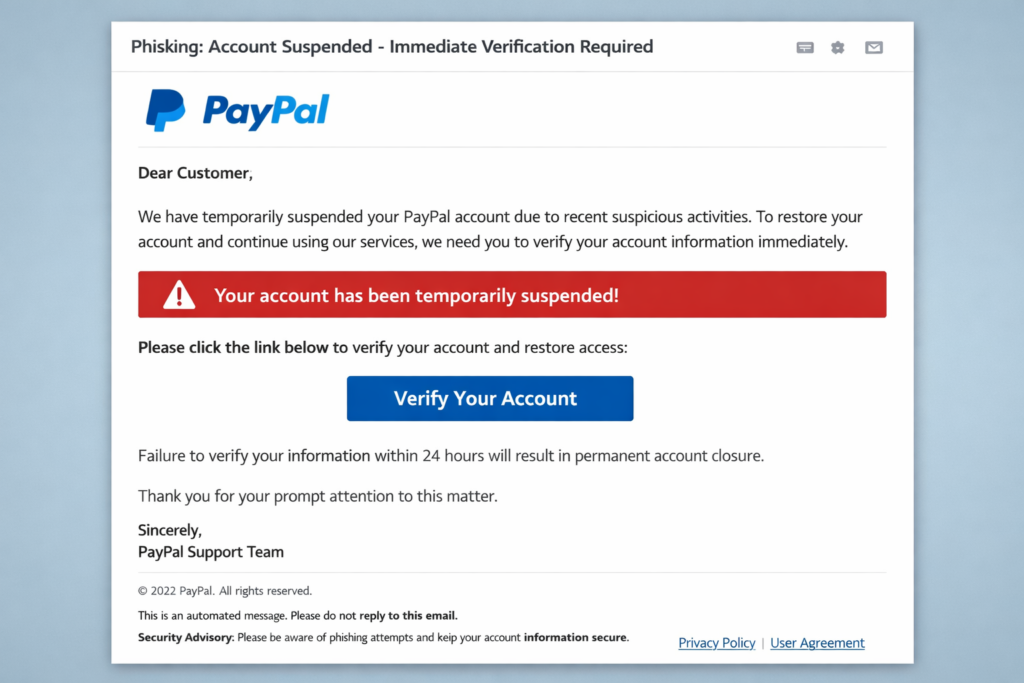
A successful DDoS defence does not mean the incident is over. Attackers sometimes use large-scale disruption precisely to distract defenders while they attempt something quieter such as credential theft, malware deployment, or persistence inside the network.
So the correct mindset now is: assume compromise until you prove otherwise.
Security teams treat this phase as post-incident threat hunting and forensic investigation. Below is the professional process typically followed in large organisations.
Move from incident defence to threat hunting
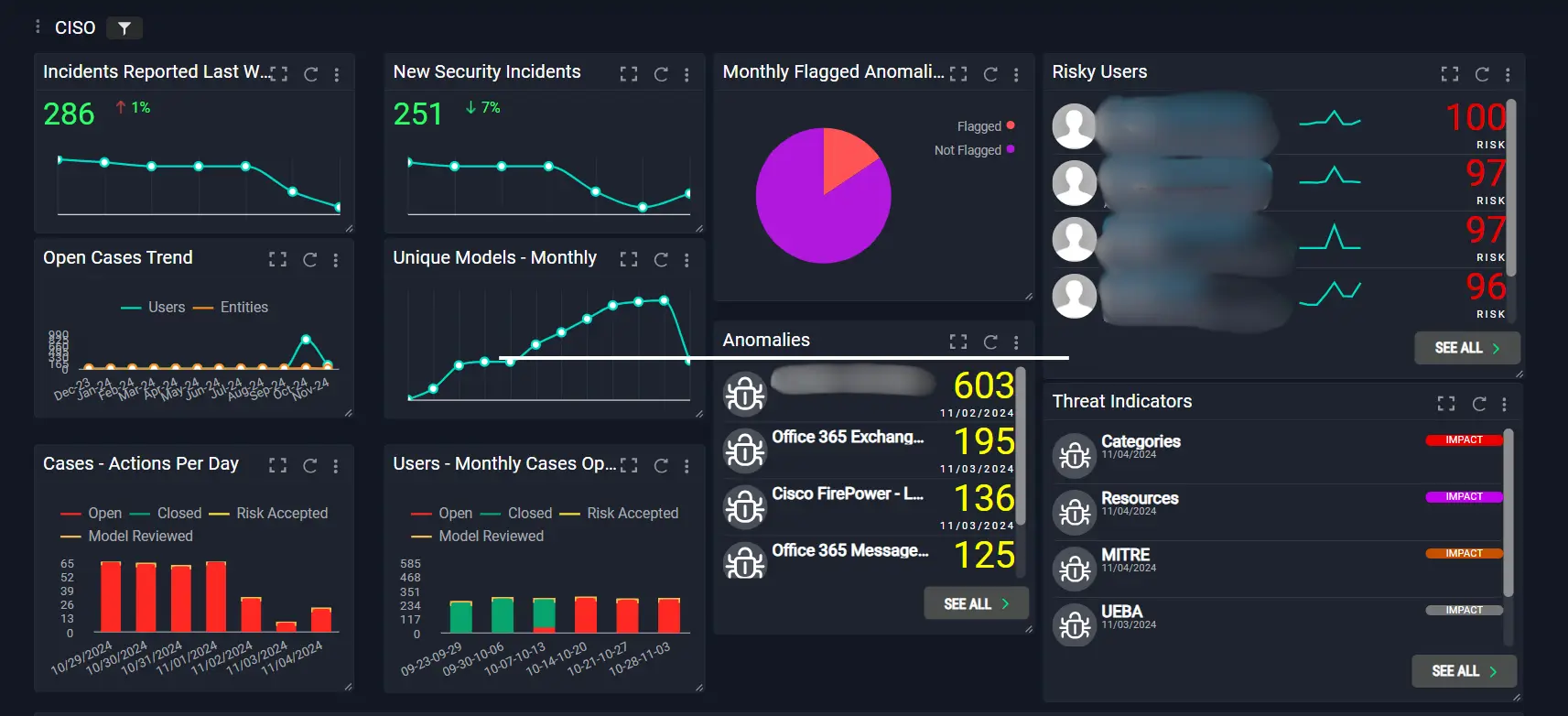
Shift the response strategy
After the DDoS traffic stops, the priority becomes verifying that attackers did not:
- gain internal access
- install malware
- create persistence mechanisms
- exfiltrate data
The National Cyber Security Centre recommends treating major cyber incidents as potential multi-stage attacks.
Even if the disruption has stopped, defenders should assume there may be secondary objectives behind the attack.
Step 1: Preserve evidence immediately
Protect forensic data before systems change
Before beginning deep investigation, secure the evidence.
Important actions include:
- snapshot affected servers or virtual machines
- collect firewall and IDS logs
- preserve authentication logs
- capture network traffic where possible
- secure SIEM event history
Preserving evidence ensures attackers cannot erase traces while the investigation proceeds.
Forensic integrity is critical if the attack later requires legal investigation or law-enforcement involvement.
Step 2: Analyse authentication activity

Look for compromised credentials
Attackers frequently exploit the confusion during an incident to obtain login credentials.
Check logs for:
- unusual administrator logins
- authentication from unfamiliar locations
- logins during the DDoS incident window
- multiple failed authentication attempts
- creation of new privileged accounts
Pay particular attention to:
- domain controllers
- VPN gateways
- cloud authentication services
Compromised credentials are one of the most common ways attackers create internal persistence.
Step 3: Hunt for indicators of compromise
Investigate endpoint activity
A backdoor typically requires malware or persistence mechanisms.
Threat hunting teams should look for:
- unusual running processes
- unknown scheduled tasks
- suspicious PowerShell commands
- unexpected services
- modified system binaries
- abnormal outbound connections
Endpoint Detection and Response (EDR) tools can help detect suspicious behaviours across the network.
Indicators of compromise should be correlated with the timeline of the DDoS attack.
Step 4: Analyse network traffic patterns
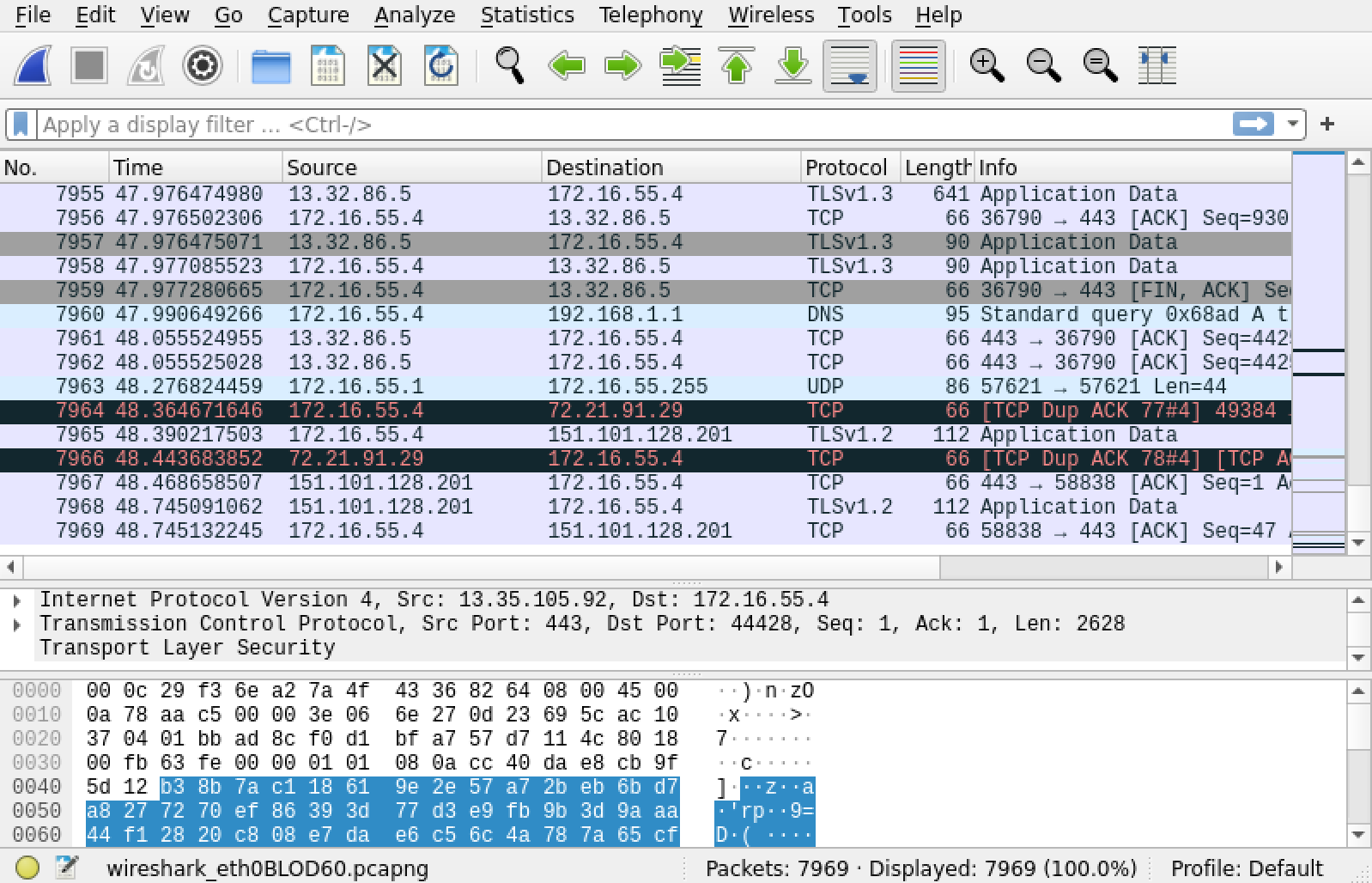
Look for command-and-control communications
Backdoors often communicate with external command-and-control servers.
Investigate:
- outbound connections to unfamiliar IP addresses
- encrypted traffic to unusual destinations
- DNS queries to suspicious domains
- persistent beaconing patterns
Network analysis tools can detect systems that are quietly communicating with external infrastructure.
Such traffic is often subtle compared with the noisy DDoS attack.
Step 5: Audit system changes during the attack
Identify unauthorised modifications
Attackers often create persistence by modifying system configurations.
Check for:
- newly installed software
- altered firewall rules
- modified registry keys
- new user accounts
- changes to security policies
File-integrity monitoring systems help detect unauthorised changes.
Compare current system states with known-good baselines.
Step 6: Inspect privileged accounts and access rights
Verify identity and privilege management
Privilege escalation is a common follow-up step after attackers gain initial access.
Investigate:
- newly added domain administrators
- changes to Active Directory groups
- newly granted system permissions
- changes to service account privileges
Even subtle changes can give attackers long-term access to the environment.
Step 7: Perform a full vulnerability scan

Identify exploited weaknesses
Once the immediate investigation is underway, perform a vulnerability assessment across the network.
Focus on:
- exposed services
- outdated software
- misconfigured systems
- weak authentication mechanisms
Understanding how attackers might have entered helps determine whether the network is still vulnerable.
Step 8: Rebuild or isolate compromised systems
Assume persistence if compromise is confirmed
If the investigation identifies malware or backdoors:
- isolate affected machines immediately
- wipe and rebuild systems from clean images
- rotate all credentials
- revoke authentication tokens
Security professionals often recommend rebuilding compromised machines rather than attempting to clean them.
This ensures no hidden persistence mechanisms remain.
Advertisement

- SPEED OF LIGHTNESS — MacBook Air with the M4 chip lets you blaze through work and play. With Apple Intelligence,* up to …
- SUPERCHARGED BY M4 — The Apple M4 chip brings even more speed and fluidity to everything you do, like working between mu…
- BUILT FOR APPLE INTELLIGENCE — Apple Intelligence is the personal intelligence system that helps you write, express your…

- SPEED OF LIGHTNESS — MacBook Air with the M4 chip lets you blaze through work and play. With Apple Intelligence,* up to …
- SUPERCHARGED BY M4 — The Apple M4 chip brings even more speed and fluidity to everything you do, like working between mu…
- BUILT FOR APPLE INTELLIGENCE — Apple Intelligence is the personal intelligence system that helps you write, express your…
Step 9: Strengthen monitoring and detection
Improve defences after the incident
After the investigation, implement stronger monitoring controls.
Key improvements may include:
- enhanced SIEM correlation rules
- improved endpoint detection
- stricter network segmentation
- additional anomaly detection
Major incidents often reveal blind spots in existing security architecture.
Step 10: Conduct a full incident review
Learn from the incident
A formal post-incident review should answer:
- How did the attackers initiate the DDoS?
- Did they gain internal access during the disruption?
- Which systems were most vulnerable?
- How can detection be improved?
The National Cyber Security Centre encourages organisations to treat incidents as learning opportunities to strengthen resilience.
Final perspective
A DDoS attack is often just the visible part of a larger campaign.
Professional attackers sometimes use disruption to:
- distract security teams
- create operational chaos
- hide quieter infiltration attempts
The correct response is disciplined investigation rather than assumption.
By performing structured forensic analysis, threat hunting, and system auditing, your security team can determine whether the attack ended with the traffic spike—or whether something more dangerous was quietly left behind.
Accelerate Your Learning
We have created Professional High Quality Downloadable PDF’s at great prices for UK Businesses provided to you from our main website. Which include various helpful Cyber related documents and real world scenarios your business might experience, showing what to do and how to protect your business. Find them here.