What Is Multi-Factor Authentication (MFA)?
Definition
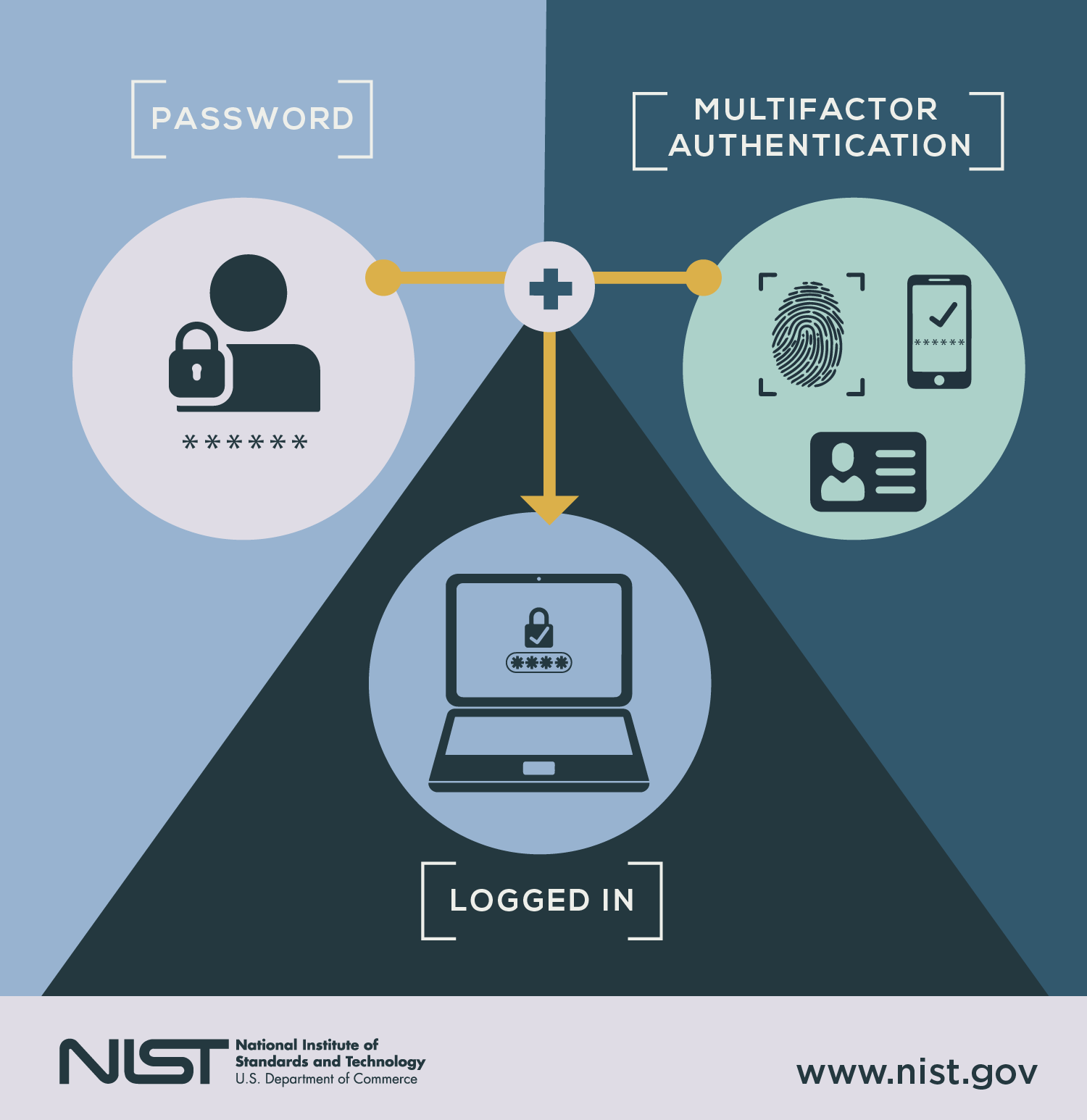
Multi-factor authentication (MFA) is a security method that requires two or more independent forms of verification before granting access to an account, application, or network.
Instead of relying only on a password, MFA combines separate categories of identity evidence. The idea is simple: if one factor is compromised, the attacker still cannot get in.
The National Cyber Security Centre (NCSC) describes two-step verification as an effective way to reduce the risk of unauthorised access to online accounts.
https://www.ncsc.gov.uk/guidance/setting-two-factor-authentication-2fa
The Three Core Authentication Factors
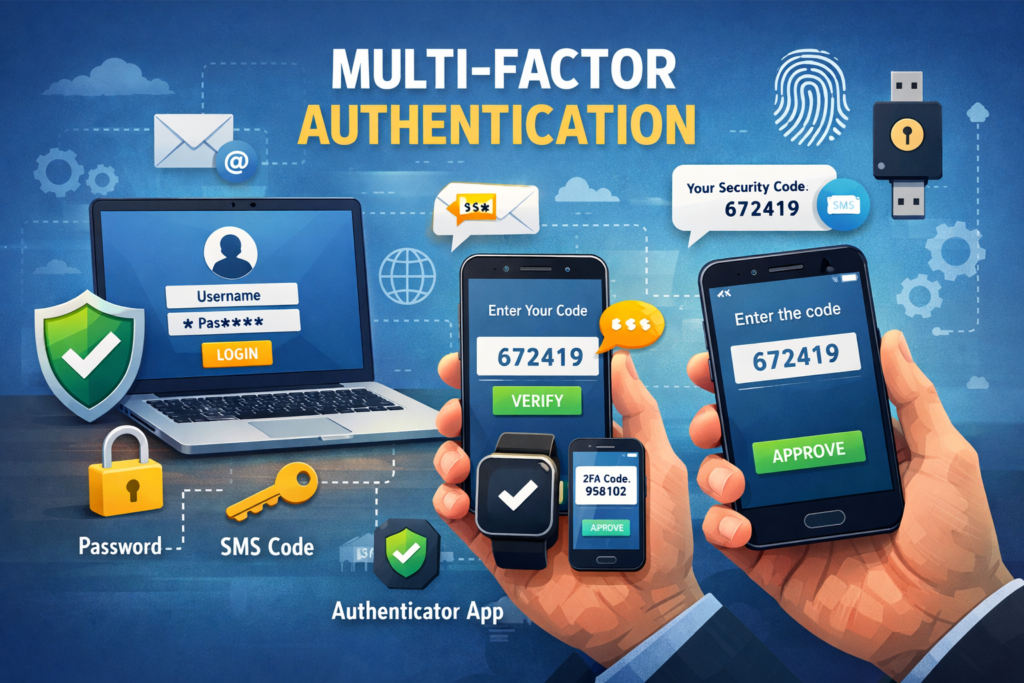
1. Something You Know
Examples:
- Password
- PIN
- Passphrase
Passwords alone are weak because they can be:
- Phished
- Leaked in breaches
- Guessed or brute-forced
- Reused across multiple sites
The National Institute of Standards and Technology (NIST) states that memorised secrets on their own provide limited assurance and should be supplemented with additional factors.
https://pages.nist.gov/800-63-3/
2. Something You Have
Examples:
- A mobile phone receiving a one-time code
- An authenticator app
- A hardware security key
- A smart card
Even if criminals steal your password, they would still need physical possession of your device.
3. Something You Are
Biometric factors such as:
- Fingerprint
- Facial recognition
- Iris scan
Biometrics are harder to replicate remotely, though they must be implemented securely to prevent spoofing.

How MFA Works in Practice
Example: Email Account Login
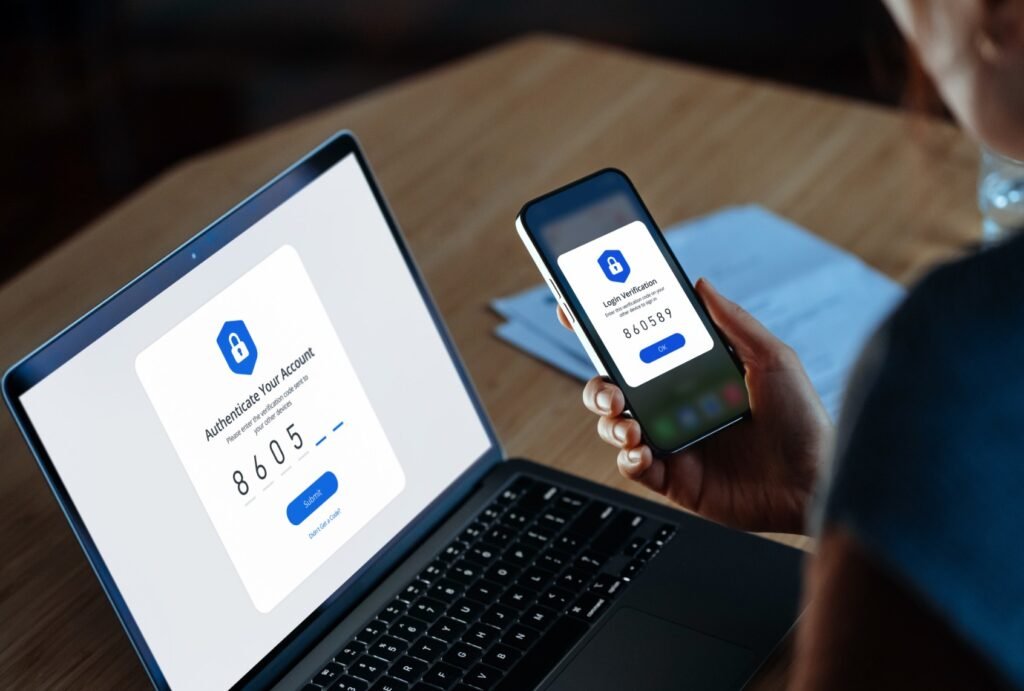
- You enter your password.
- The system prompts for a second factor.
- You approve a push notification or enter a time-limited code.
- Access is granted.
Each factor must be independent. Using two passwords does not count as MFA. That is just twice the disappointment.
The Cybersecurity and Infrastructure Security Agency (CISA) notes that MFA dramatically reduces the likelihood of account compromise from common attacks such as phishing and credential stuffing.
https://www.cisa.gov/mfa
Why MFA Is So Effective
It Stops Most Password-Based Attacks
The majority of breaches begin with stolen credentials.
According to the National Cyber Security Centre, enabling MFA makes it significantly harder for attackers to take over accounts, even if passwords are exposed.
It Blocks Automated Attacks
Bots can test thousands of stolen passwords per minute. They cannot easily bypass:
- A physical security key
- A device-bound authenticator app
- Biometric confirmation
MFA introduces friction. Criminals prefer frictionless targets.
Types of MFA
SMS One-Time Codes
A code is sent to your mobile phone.
Pros:
- Easy to implement
- Widely supported
Cons:
- Vulnerable to SIM-swap fraud
- Susceptible to interception in some scenarios
The NCSC advises that while SMS is better than nothing, stronger methods are preferable where possible.
Authenticator Apps
Examples include:
- Microsoft Authenticator
- Google Authenticator
These generate time-based one-time passwords (TOTP) locally on your device.
More secure than SMS because they are not transmitted over mobile networks.
Push Notifications
You receive a prompt asking you to approve the login.
Convenient but vulnerable to “push fatigue” attacks, where users approve requests without checking.

Hardware Security Keys
Manufactured by companies such as Yubico, these USB or NFC devices provide phishing-resistant authentication.
NIST recommends phishing-resistant MFA methods, particularly for high-risk systems.
Expert Perspectives
The National Cyber Security Centre advises:
“Turn on two-step verification for important accounts, especially email and banking.”
NIST guidance states that multi-factor authentication significantly increases assurance that the claimant is the legitimate account holder.
Security researchers consistently describe MFA as one of the highest impact, lowest cost security controls available to organisations.
It is not glamorous. It simply prevents disaster quietly.
MFA in the UK Regulatory Context
Data Protection and Access Control
The Information Commissioner’s Office (ICO) expects organisations to implement appropriate technical measures to protect personal data under UK GDPR.
https://ico.org.uk/for-organisations/uk-gdpr-guidance-and-resources/security/
Failure to use strong authentication controls can contribute to enforcement action if a breach occurs.
Financial Services Expectations
The Financial Conduct Authority (FCA) requires firms to manage operational resilience and protect customer data, which commonly includes strong authentication mechanisms.
https://www.fca.org.uk/firms/operational-resilience
In practical terms, MFA is no longer optional best practice. It is baseline security hygiene.
Common Misconceptions
“MFA Is Only for Large Enterprises”
Incorrect. Small businesses and individuals are frequently targeted precisely because they assume they are uninteresting.
Attackers automate. They do not care about your ego.
Advertisement
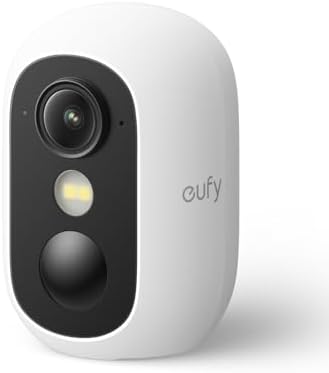
- Effortless security anywhere: Install in seconds – magnetic, hanging, screwed or on a flat surface. Compact, wireless an…
- Always bright colours, even at night: Experience vivid images, even in low light. PureColor Vision gives clear night vis…
- Quick setup with centralized management: Connect and control your devices instantly with HomeBase Mini, your smart secur…
“It’s Too Inconvenient”
The extra few seconds are significantly less inconvenient than:
- Losing business data
- Having payroll redirected
- Recovering a hijacked email account
“MFA Makes You Impossible to Hack”
No. Nothing does.
However, phishing-resistant MFA methods dramatically reduce risk and eliminate most common credential-based attacks.
Summary
A password is a single lock.
Multi-factor authentication is layered defence.
If you run a business in England, enabling MFA is one of the most cost-effective steps you can take to reduce cyber risk.
If you are an individual, it is the digital equivalent of locking your front door and not assuming humanity will behave itself.
Turn it on. Your future self will be quietly grateful.
Accelerate Your Learning
We have created Professional High Quality Downloadable PDF’s at great prices for UK Businesses provided to you from our main website. Which include various helpful Cyber related documents and real world scenarios your business might experience, showing what to do and how to protect your business. Find them here.